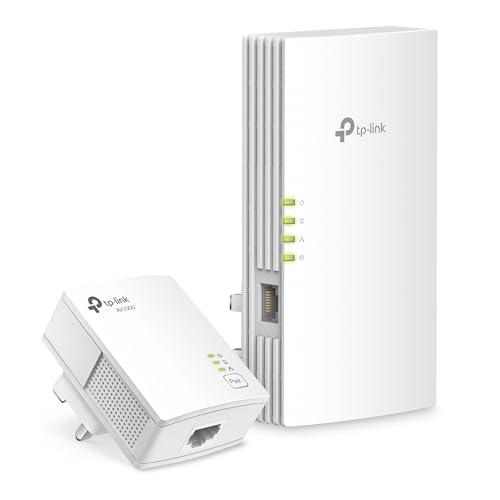
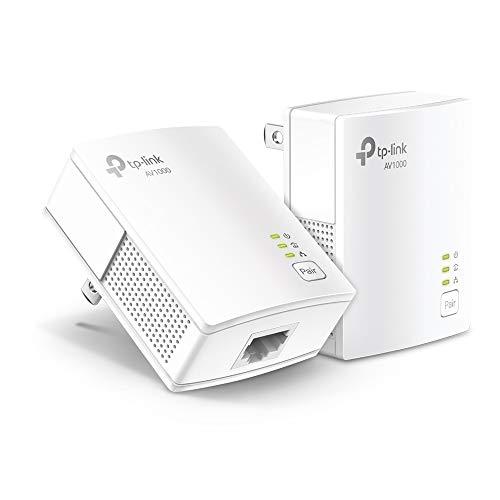
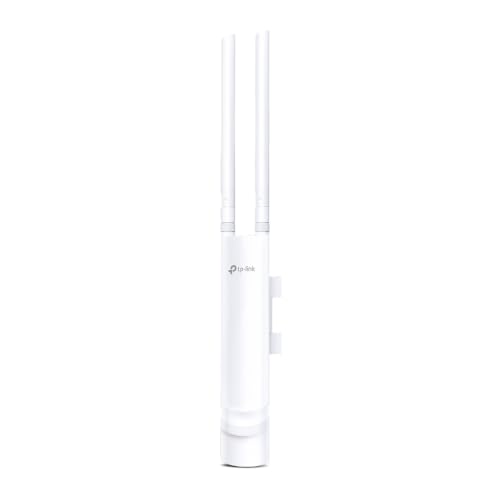
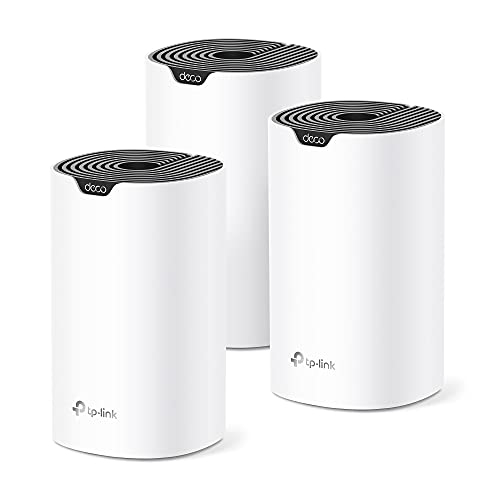
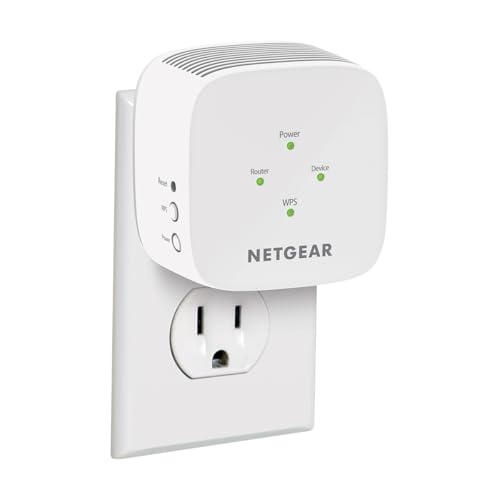
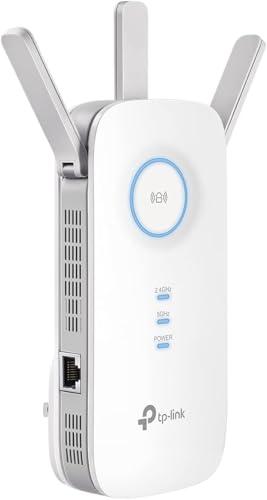
If the charger shows a weak-but-present signal, buy the dual-band extender with a gigabit Ethernet port - it is the cheap fix and the port means you are not stuck if the radio hop disappoints. If the garage gets nothing at all, stop buying extenders: a powerline kit carries the network through the house wiring and builds a fresh Wi-Fi network at the garage end, which is the only approach that works when there is no signal to amplify. If the charger is outdoors, an IP65-rated access point on Power over Ethernet is the honest answer. And if the garage is one of several dead spots, a three-unit mesh system fixes the house instead of patching one room.
This is the most under-sold purchase in home charging. People spend hundreds on a smart charger for the scheduling, the off-peak rates and the energy reporting, mount it in a detached garage at the far corner of the house, and then discover that every feature they paid for lives on the other side of a signal that does not reach. Our own guide to a charger that will not connect and do I need Wi-Fi for an EV charger both end at the same place: fix the signal at the charger. This page is the hardware that does it.
Diagnose before you buy, because the categories are not interchangeable
Stand where the charger is - or will be - with a phone, and look at the Wi-Fi. Then pick the row that matches.
| What you see at the charger | What to buy | Why |
|---|
| One or two bars, usable but drops out | A dual-band extender with an Ethernet port | There is a signal to relay; an extender rebroadcasts it closer to the charger |
| No network visible at all | A powerline kit with a Wi-Fi access point at the far end | Nothing to amplify - the link has to travel through the wiring instead |
| The charger has an Ethernet port, or you own a spare access point | A plain powerline Ethernet pair | Cheapest reliable link, and no radio in the path at all |
| The charger is outdoors or on a carport post | An IP65 outdoor access point on PoE | One cable carries data and power; the enclosure is rated for weather |
| The garage plus two other rooms are dead | A mesh system that replaces the router | One network with a real node in the garage, instead of a patch |
The single most common mistake is buying an extender and plugging it in next to the charger. An extender has to hear the router to repeat it: TP-Link's own guidance is to place a range extender about halfway between the router and the area with a poor signal. Put it in the dead zone and you have a device with the same bad signal the charger had, now serving it to the charger.
Why powerline is usually the right answer for a detached garage
A powerline adapter sends data over the building's electrical wiring using the HomePlug AV or AV2 protocol: one adapter plugs in near the router with an Ethernet cable to it, another plugs in at the garage, and the pair link over the copper that is already there. For a detached garage, a thick wall, or a long run that Wi-Fi simply will not cross, that is the difference between a charger that works and one that does not.
The caveats are real and they are worth knowing before you order, because they are wiring facts rather than product faults. TP-Link's own documentation says both adapters should be on the same electrical circuit; that adapters on separate circuits can fail to communicate at all; and that crossing phases reduces the rate. It also says powerline adapters should always be plugged directly into a wall outlet, because a power strip or surge protector can significantly reduce the powerline rate - which is awkward in a garage where the spare outlet is often behind a strip.
None of that makes powerline a bad bet, but it does make it a testable one. If you are unsure, buy the plain Ethernet pair first - it is roughly half the price of the kit with the radio. If it links at a usable rate, you either wire the charger directly or add the Wi-Fi version; if it does not link at all, you have learned something cheaply and the answer is Ethernet or an outdoor access point.
One related note for anyone planning the install: if you are about to run conduit to a detached garage anyway, pulling a network cable in the same trench is the cheapest high-reliability answer of all. Our conduit page and how far a charger can be from the panel cover that run. Keep data and 240-volt conductors in separate raceways.
What the charger actually needs from your network
Less than you would think, and that is the good news. A home charger uses tiny amounts of bandwidth - a status heartbeat, a schedule, an occasional firmware image. What it needs is stabilityand a signal that is present at the moment it wants to report. That is why the Ethernet port on an extender matters more than its headline speed rating, why a mesh node beats a repeater, and why "15,000 square feet" on an unbranded listing is a number to ignore rather than a feature to buy.
Two practical points. Most home chargers connect on the 2.4 GHz band, which travels further through walls than 5 GHz - so a dual-band extender is useful not because the charger will use the 5 GHz radio but because the extender can use it for its own backhaul and leave 2.4 GHz clear for the charger. And if your router broadcasts one combined network name, a charger that will not complete setup is often a band-steering problem rather than a range problem; our connection guide covers the split-the-SSID fix, which costs nothing.
How we picked these six
- One product per diagnosis. Weak signal, no signal, wired charger, outdoor charger, whole-house dead zones, cheapest credible fix. Six rows in the table above, six picks.
- Named manufacturers with published specs only. This category is full of unbranded listings claiming five-figure square-foot coverage. Every pick here is TP-Link or NETGEAR, with a model number you can look up and firmware that gets updated.
- A wired fallback wherever possible. Five of the six have an Ethernet port somewhere in the path, because the most reliable network link to a charger is the one that is not a radio hop.
- A live price and an in-stock offerfrom Amazon's Product Advertising API on the refresh behind this page, for all six.
- No claim we cannot source.The powerline wiring limits and the extender placement rule on this page are TP-Link's own published support guidance, cited at the foot of the page. We do not quote a throughput figure for a repeater, because nobody publishes one that would apply to your garage.
When the honest answer is to stop paying for Wi-Fi
Sometimes it is. If the only thing you want from the app is off-peak charging, a charger with an on-box delay timer or a car that schedules charging itself does the same job with no network at all - we rank those on chargers with scheduling and chargers without Wi-Fi. If you want energy data, note that some of it can come from the panel instead of the charger. And if you are still choosing hardware, the cheapest fix of all is to buy a charger whose features you can reach: our smart charger roundup and energy monitoring page both flag which units depend on a cloud connection to do anything useful.
Spending roughly the price of a cable holster on a network fix is usually the better trade than spending nothing and losing the scheduling feature you bought the charger for. But it is a trade, and we would rather say so than pretend every garage needs a mesh system.
Every price on this page is live, read from Amazon's Product Advertising API and stamped with the date our price layer last checked it. Networking hardware discounts heavily and often, which is exactly why no number is typed into a sentence here.
Four checks before you buy
- Measure the signal where the charger is. Stand at the mounting point with a phone. Bars, or a Wi-Fi analyzer reading, decide which row of the table above you are in. Do this before the charger goes on the wall if you possibly can - it is far easier to move a charger at the planning stage than after the conduit is in.
- Find out whether the charger has an Ethernet port. Several Level 2 units do. If yours does, a plain powerline pair or a cable in the conduit is a better purchase than any radio.
- Check which band the charger uses. Most use 2.4 GHz. If your router combines both bands under one name, be ready to split the SSID temporarily for setup.
- Check the outlet. A plug-in extender needs an outlet roughly halfway to the garage, not in it. A powerline adapter needs a wall outlet directly - not a strip, not a surge protector - at both ends.
Where each of these goes wrong
An extender fails when it is placed in the dead zone instead of on the way to it, or when the garage is simply out of the router's reach altogether. A powerline kit fails when the two outlets are on different circuits or different phases, or when one end is behind a surge strip - all three documented by TP-Link itself. An outdoor access point fails on cost and effort rather than performance: it is the most capable option here and it needs an Ethernet run and a configuration session. A mesh system fails as an impulse buy, because it replaces your router and you will be re-pairing devices for an evening.
What we have not done
We have not tested these products in a garage and we do not have a lab. Coverage areas, device counts, radio classes, port counts and weather ratings are each pick's live retail listing's own published figures. The placement and powerline wiring rules on this page are TP-Link's published support documentation, linked in the sources below - not our measurements. The scores are judgments from that documented research against the rubric on our methodology page. We also want to be plain about one thing: a published square-footage figure is a marketing number from an open-plan test, and no number of square feet tells you whether a signal crosses your specific garage wall.